How I choreograph a music video in 15 minutes
I don't choreograph every count before I film. I find a section I like, loop it until something sticks, and go for a take. Here's the whole process for a Halloween song, Sweet Tooth by Pixel Juice, from the first mark to the finished music video.
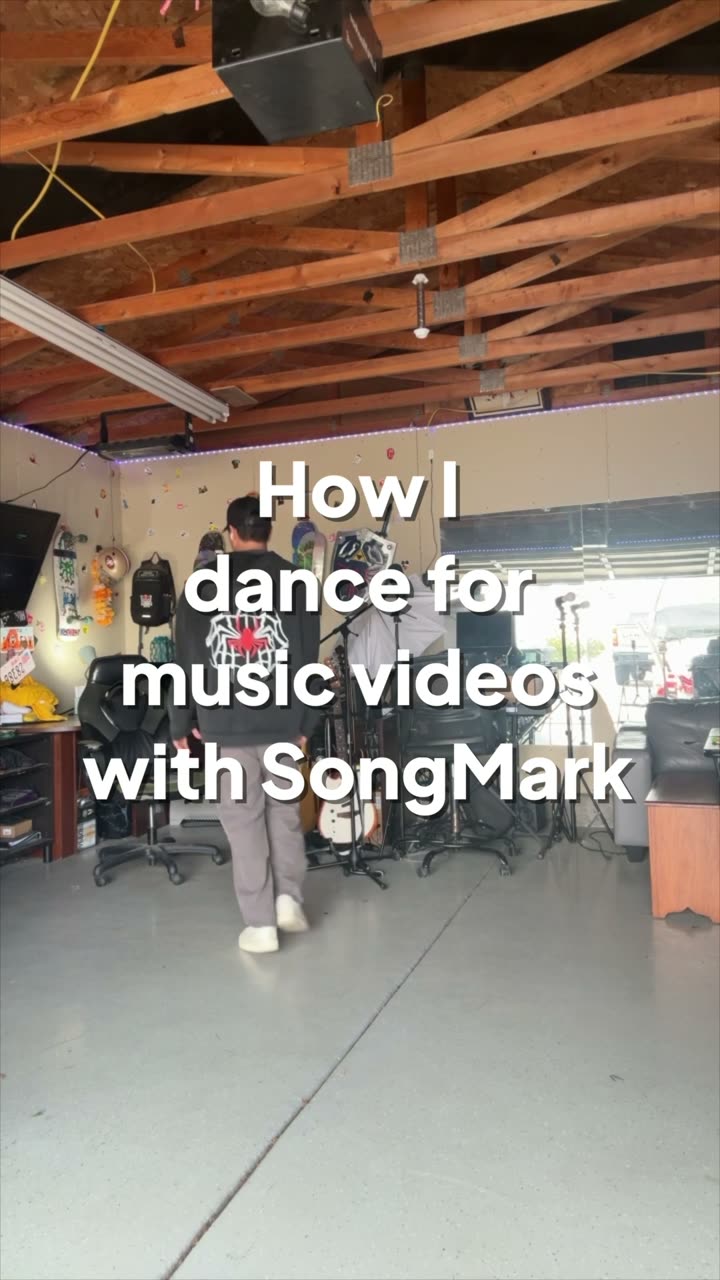
The setup
The song plays in SongMark on my phone, propped up where I can see it. An Insta360 films the whole room. The song is my own MP3, added to SongMark from the phone, so it never leaves the device. On my wrist is my Apple Watch, which turns out to matter more than anything else here.
1. Set a mark where you want to start
I listen through and pick a starting point, around 55 seconds into the song. I tap Mark there, and a pin drops on the timeline. If you know the exact time, long press Mark and type it in.
A mark is just a bookmark in the song. Tap its pin and you’re back there instantly, which is the whole point: you’ll come back to it a lot.
2. Mark the end and loop it
I let it play, find where the section feels finished, and drop a second mark about five seconds later. Then I tap Loop, and SongMark plays the part between the two marks over and over.
Five seconds sounds short. It’s plenty to freestyle on, and short loops keep you moving instead of waiting.
3. Freestyle until something sticks
This is the exploring part. I dance over the loop, try things, keep what feels right and drop what doesn’t. “Boom, boom.” A spin. A pose on “everybody dressed up.” Most of it doesn’t survive, and that’s fine.
Choreographing is not easy. Every time I do it, I do something different. I just try to take it one step at a time, and really learn my music.
4. Slow it down, then bring it back to full speed
When I can’t quite catch a beat, I tap − to slow the song down. The music keeps its pitch, so it still sounds like the song, just slower. Once I’ve heard it, I go back to 1×.
SongMark noticed, too: slowing a loop down and then playing it at full speed earns the Up to Speed trophy.
5. Run it from your wrist
I set the marks from my Apple Watch. I’m in the middle of the room, dancing, and I tap my wrist instead of walking back to the phone. From the watch you can set marks, turn Loop on and off, change the speed and start a recording.
6. Loop off, record, go
Once I have the section, I turn Loop off so the song can play on past the second mark. Then I tap Record. SongMark films me with the camera right next to the song, so every take is lined up with the music. A take can even have the song dubbed in instead of the room sound.
My first take lasted about two seconds before I stopped it. I already knew it wasn’t what I wanted. Record again, jump back to a mark, and go.
7. Watch it back and keep one
When a take feels good, I watch it back straight away, then save it to Photos or share it. Start to finish, this one took 10 to 15 minutes.
I could sit here for an hour and go for more takes. That’s just not what I do anymore. I really like the on-the-cusp feeling. Just get something and go.
From take to pumpkin king
The take is the raw material. I ran it through AI motion capture, which turned me into the pumpkin king in a candy castle. Watch the end of the video to see the take and the finished music video side by side, or see the pumpkin king on his own. The song is Sweet Tooth by Pixel Juice.
Short on time? Here’s the whole process in under a minute.
Try it with your own song
SongMark is free in your browser at songmark.app, with nothing to download, and on iPhone with an Apple Watch app. No ads, no tracking. Add a song from your phone or paste a YouTube link, drop a mark, and start looping.
More on each step:
Try the new SongMark
The quick tutorial walks you through slowing down a practice video, mirroring it, marking and looping a section, and filming yourself. Free in your browser, on your phone or computer.
Launch Tutorial